 Galactic Games
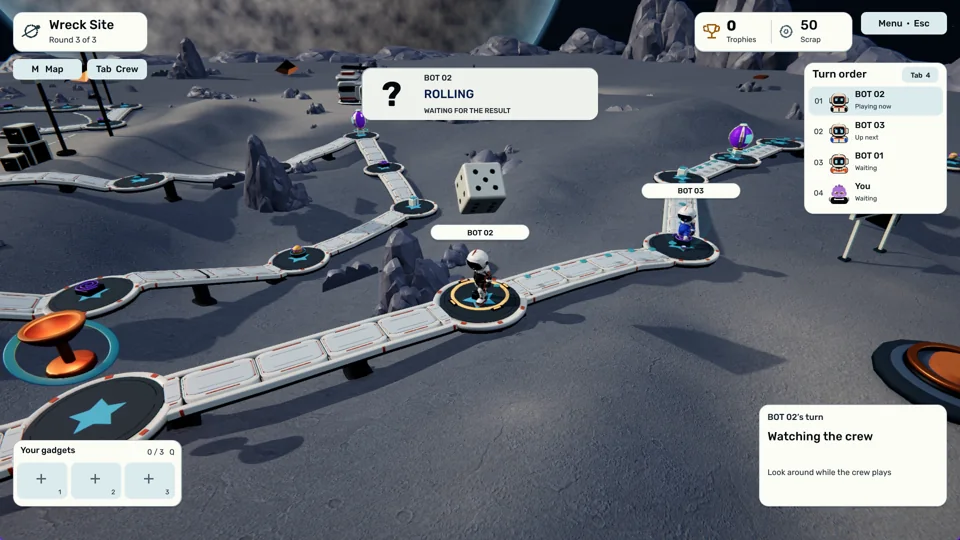
Take your chances.
Pick a route through the board, visit shops, collect gadgets and chase trophies. A good plan helps. Your friends have other plans.
Coming to Steam · Windows & macOS
A party game for 2–20 players. Take the long way around the board, get your hands on something dangerous, and settle the score in the next minigame.
The Steam store page is coming soon. Steam will install the Windows or macOS version for your computer.
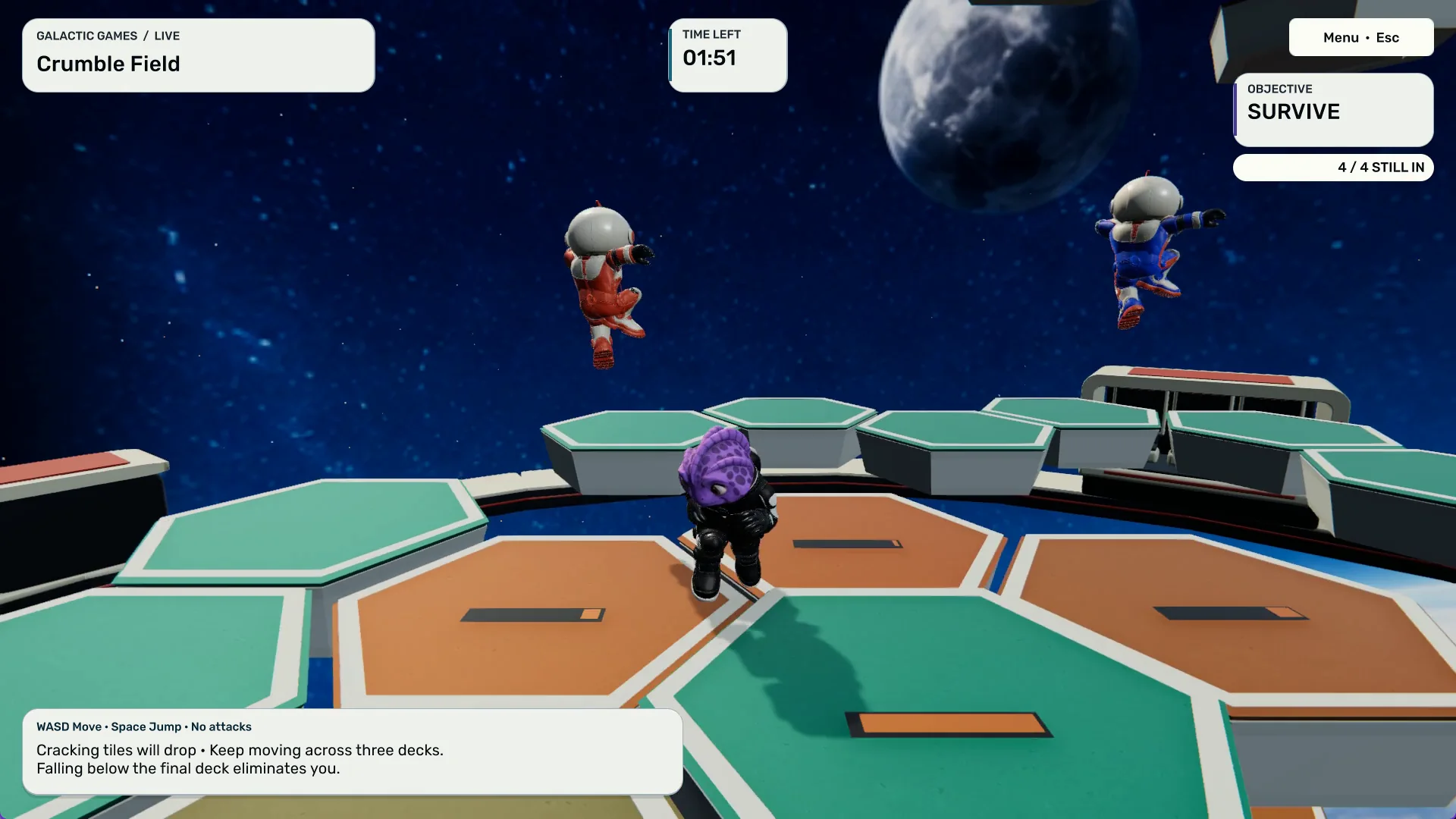
One more round
Quick rounds. Sudden rivalries.
Plenty of ways to get even.
Bring your competitive streak
Build a lead. Make a mess.
Try to keep both.
Pick a route through the board, visit shops, collect gadgets and chase trophies. A good plan helps. Your friends have other plans.
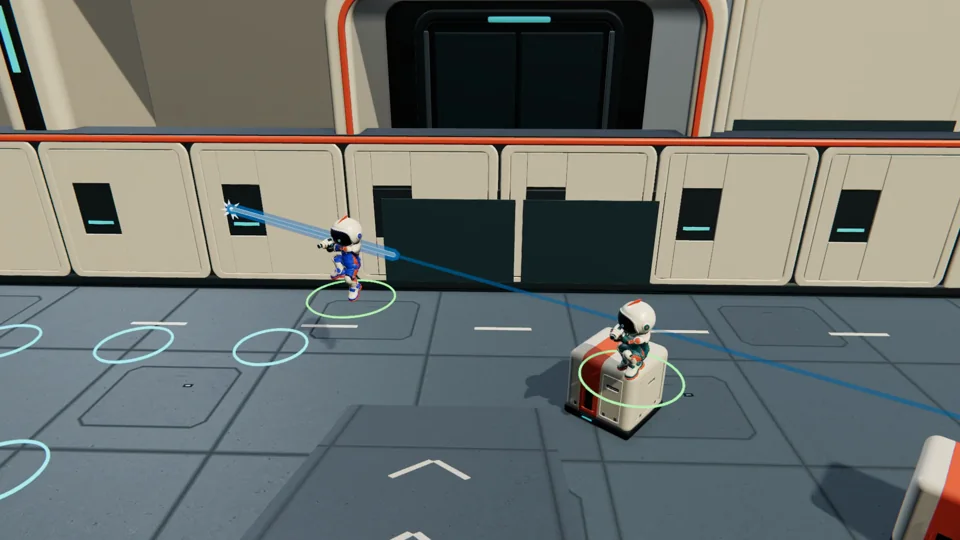
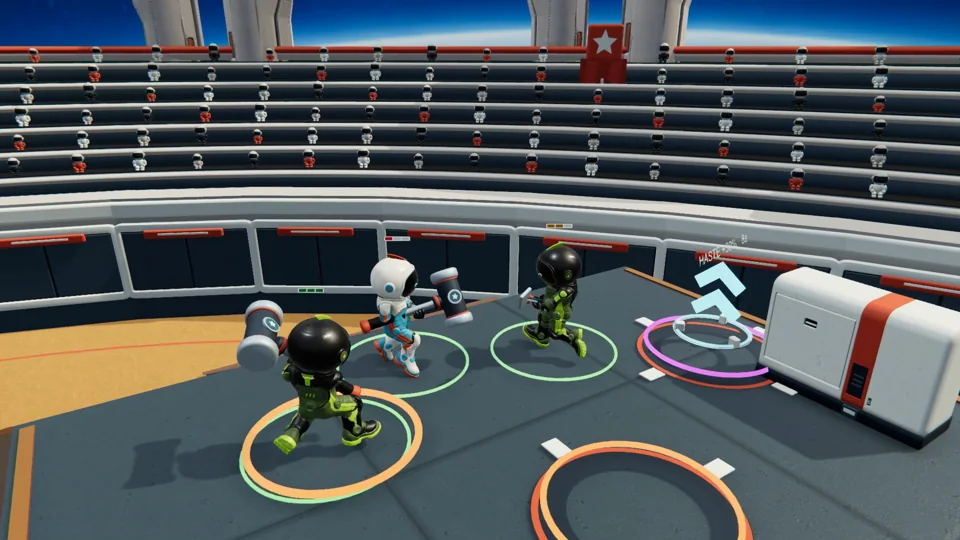
Trade shots in Blaster Arena, swing for the fences in Gladiator Glory or race to stay on solid ground. Jump straight into minigames when you want a quicker session.
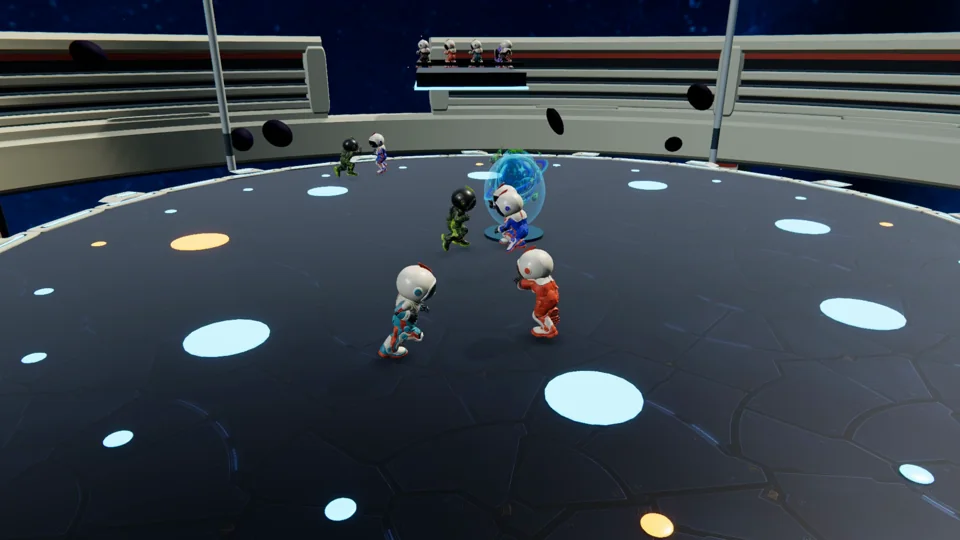
Choose the minigames, tune the match and bring your crew. Fill open seats with bots or use solo practice to learn the ropes.
Your player portal
Try colour combinations, save a look and manage your connected game devices from your browser.
Open your wardrobeSign in with Steam or email. Have an existing account? Link your other sign-in from Account to keep your saved looks together.
Before you join
Galactic Games is preparing for its Steam release. Invited testers can install their copy from the Steam Library. Visit How to play for current access and installation guidance.
One player creates a dedicated room and shares its room code. Friends choose Join room and enter the code. Use room codes for dedicated rooms in the current build.
Yes. Start a solo session with bots, try the minigames and get familiar with the controls before your friends arrive.
Open the player portal and sign in with your linked provider. In the game, use the account connection flow and approve its device code in your browser. Refresh your profile in game to choose a saved look.
Our support guide covers Steam installation checks, dedicated rooms and reporting an issue from the game.
Galactic Games